
Media Creator
Interactive. You-Led. AI-Assisted.
Welcome to Media Creator (Demo Mode)
Create a professional video press release in just 5 easy steps! Follow the process below to see how it works. Note: Your content will not be saved in demo mode. We will ask for your email so we can send you your article. You will keep the article you create and preview your narrated video.
5-Step Process
- Step One: Use default image or select custom one for Option 1
- Step Two: Insert information for Option 1 (Answer 16 questions)
- Step Three: Generate and edit an article and a suggested list of keywords
- Step Four: Preview your video
- Step Five: Download your article
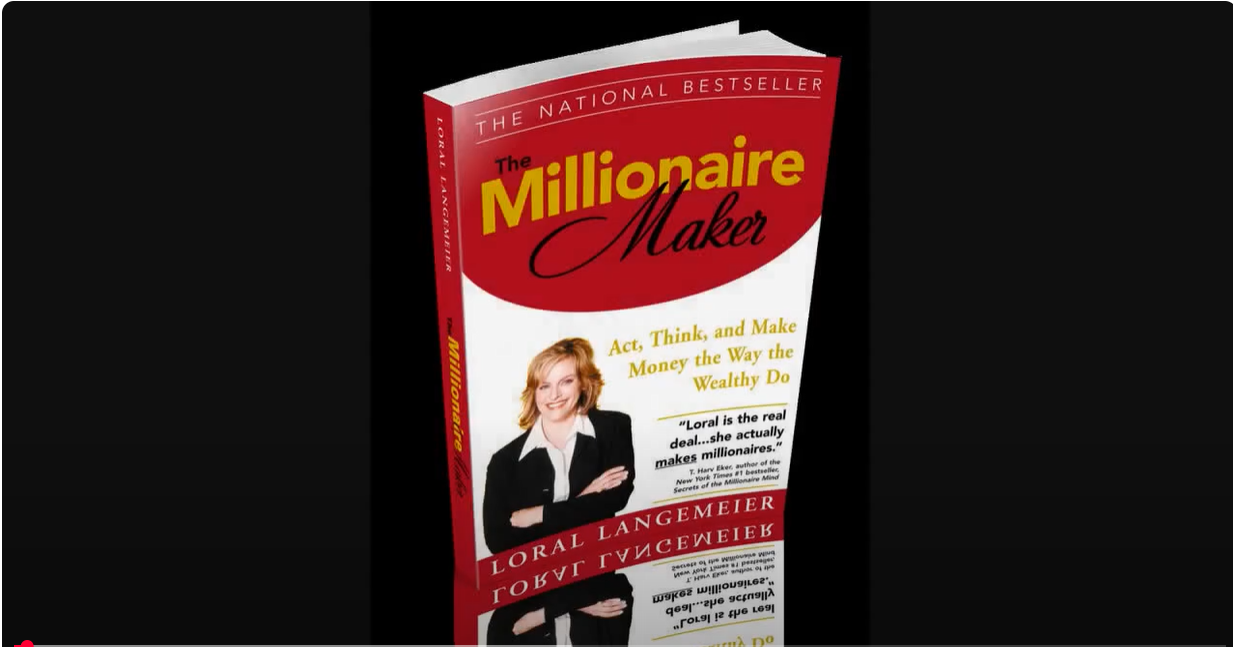
Check out what you can make with Media Creator:
© 2016-2026 AML Consulting, LLC dba Perfect Invention. All rights reserved.